
Introducing the OneDrive and Office 365 Workshop
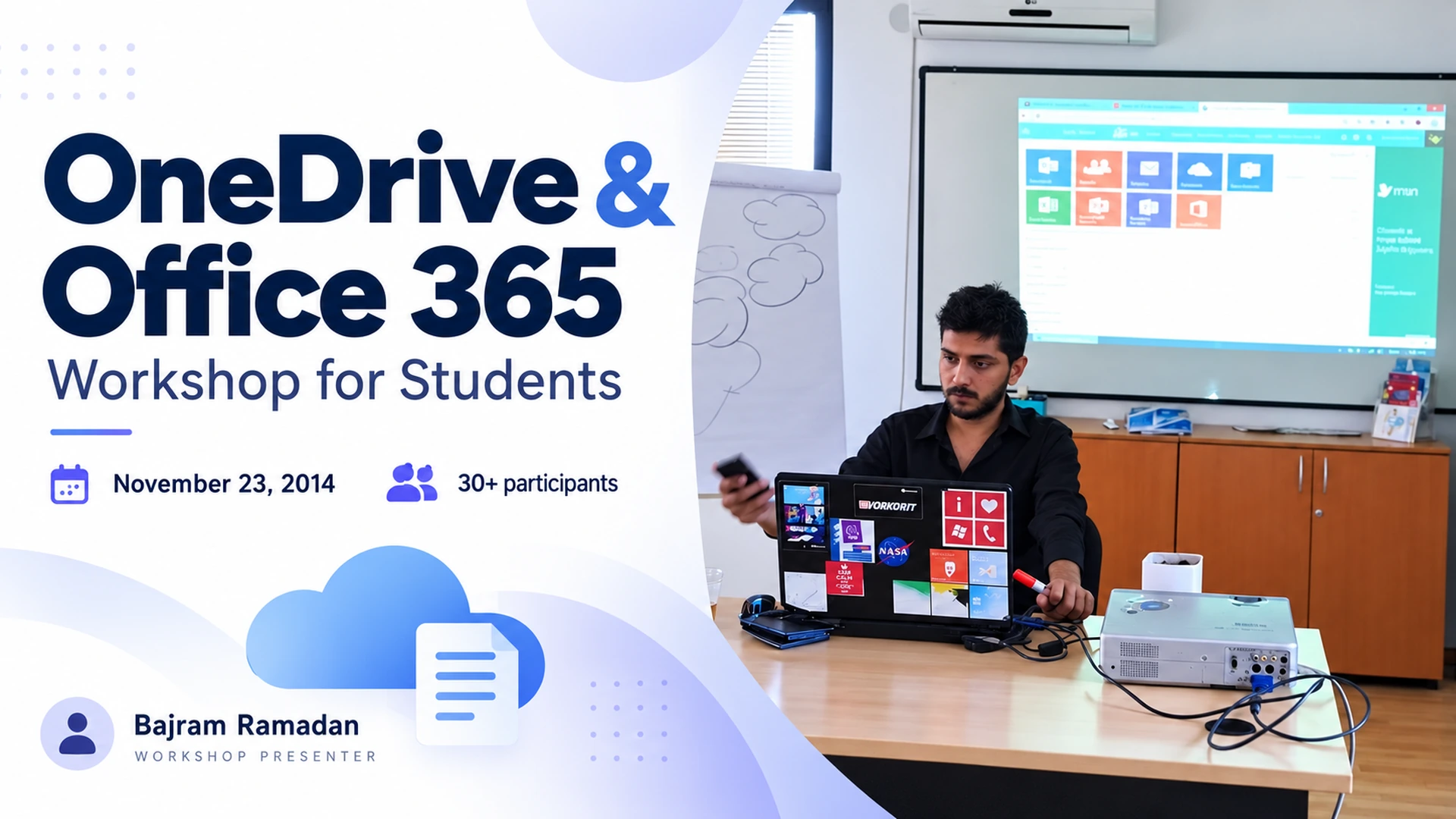
On November 23, 2014, I delivered a OneDrive and Office 365 workshop for more than 30 high school and university students from different schools and faculties. We explored Office applications, working locally and online, and saving documents in OneDrive.
The workshop focused on everyday digital skills for schoolwork and university assignments. I introduced Outlook, Word, Excel and PowerPoint, explaining how students could use Office applications on their computers and work with the available online versions.
Working Locally and Online
We explored the difference between working with files locally and accessing them online. A central topic was how to save documents to OneDrive and continue working on them across these environments.
I also explained how cloud storage and synchronisation could help students keep their work accessible and reduce the risk of losing files. The emphasis was on understanding where documents were saved and how to access the latest version.
Supporting Students’ Digital Skills
The workshop aimed to help students feel more confident using these tools throughout their education. It connected Office applications and cloud storage with tasks they encountered in school and university, such as writing assignments, preparing presentations and organising information.
OneDrive and Office 365 Workshop: Everyday Study Tasks
The session connected familiar study tasks with the tools available to students. For example, Word could support written assignments, Excel could help organise information, and PowerPoint could be used to prepare presentations. Outlook introduced another part of the workflow: managing email alongside school and university work.
A key distinction was where a document was stored. Working on a computer and working through a browser can feel similar, but students still need to understand how their files are saved and accessed. This was the practical connection between Office applications and OneDrive throughout the session.
For current guidance on storing, accessing and synchronising files, visit Microsoft’s OneDrive help and learning resources.
You can also explore my other speaking and community activities for more examples of how I share practical knowledge.
Workshop Details
- Date: November 23, 2014
- Format: Introductory workshop
- Audience: High school and university students
- Participants: 30+
- My role: Workshop facilitator