
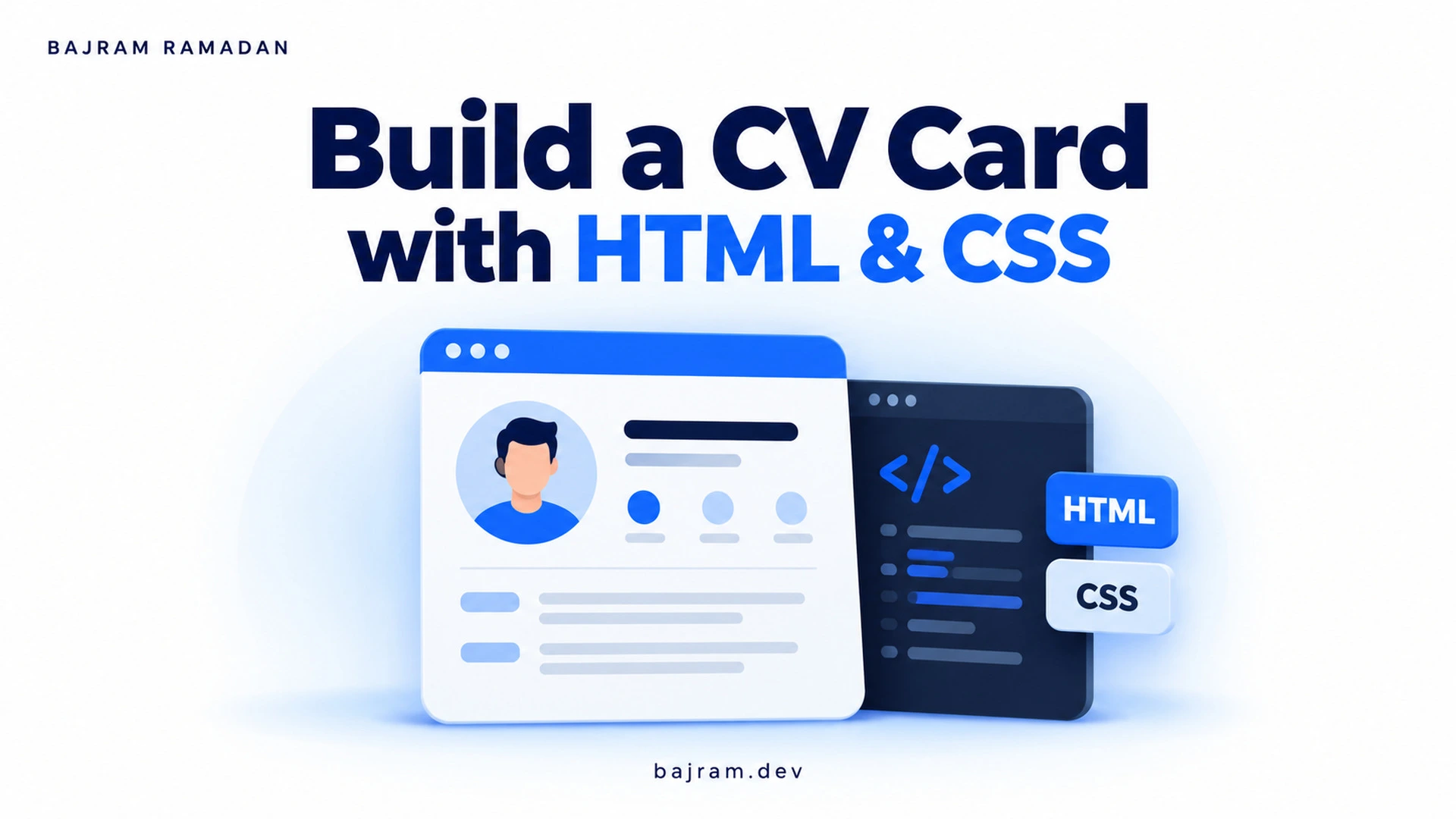
Build a CV card with HTML and CSS in this practical video tutorial. I walk through the structure and styling of a personal card, giving you a small frontend component to explore and adapt. Follow the implementation, then use your own content to make the result personal.
A small project for practising the fundamentals
A CV card is a manageable way to practise turning content into an interface. It brings together information about a person, a clear visual hierarchy and decisions about spacing, typography and colour.
Instead of treating the finished design as something to copy exactly, use it as a starting point. Think about which information deserves attention first, how related details should be grouped and whether the text remains comfortable to read.
How to follow the tutorial
Watch the full tutorial on YouTube and build along at your own pace. Pause when you need time to understand a change, and compare your implementation with the example before moving forward.
Keep your HTML and CSS organised so you can find the part responsible for each visible element. When something looks different, inspect the relevant styles and change one property at a time. This makes it easier to understand what caused the difference.
Make the card your own
After following the example, try these exercises:
- Replace the sample content with a short introduction, relevant skills and links you are comfortable sharing publicly.
- Adjust the colours while keeping enough contrast between text and its background.
- Experiment with font sizes and spacing to make the most important information easier to scan.
- Test the card with a longer name, additional text and a narrower browser window.
- Check that links have meaningful labels and can be reached using the keyboard.
These are suggested practice exercises you can explore after the video. They help you investigate how your choices affect the component.
Keep experimenting
Building a CV card with HTML and CSS is a starting point for further practice. Save your first version, make a deliberate change and compare the results. Write down what you changed and what you learned.
For more explanations and examples, explore my web development articles.